
Pick the product.
Prepi does the label.
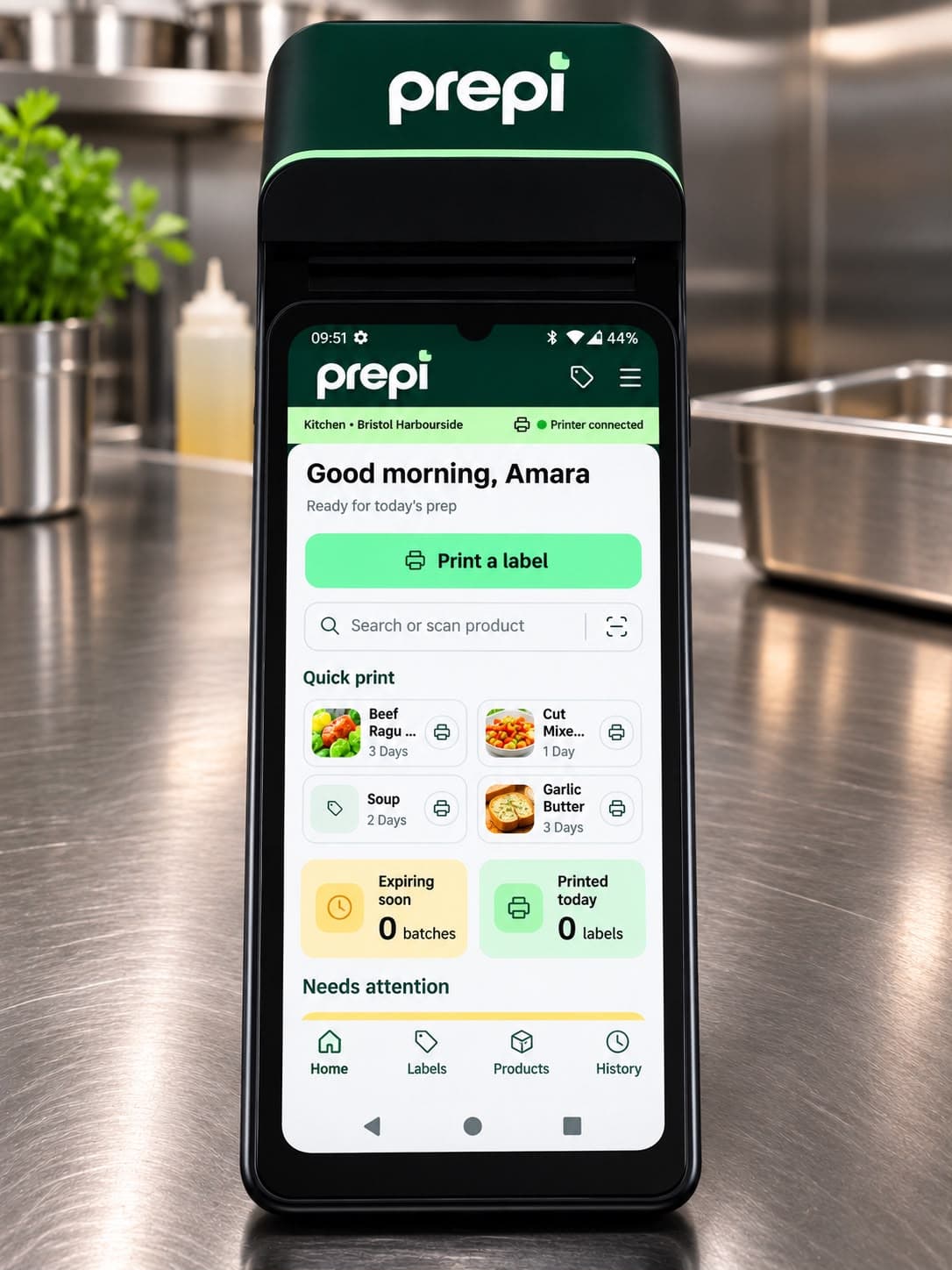
Prepi runs on a handheld with a built-in label printer. Choose what you've prepped, and Prepi fills in the allergens and works out the use-by from your kitchen's shelf-life rules. Then it prints.
Already using Prepi? Sign in
Why kitchens use Prepi
Everything on the label comes from your kitchen's own records.
Handwritten day dots depend on whoever holds the pen. Prepi builds each label from the product, allergen and shelf-life information your team has already set up.
- 1
Use-by worked out for you.
Prepi calculates the use-by from the shelf-life rule for that product and where it's stored, chilled or frozen, and prints the day and date in a bold bar.
- 2
Allergens from the product record.
Each product declares the 14 UK allergens as contains, may contain or free from. The label lists what it contains, so nobody copies them by hand.
BEEF RAGU
ALLERGENS: Celery, Milk
Sample label, 53 x 40 mm
- 3
Use first and Defrost, at a glance.
Choose Use first or Defrost when you print. Defrosted items carry a reversed banner and their own defrost shelf-life rule.
- 4
A record of every label.
Every print is saved with who printed it, when, and the barcode, so the team can track open items and discard them in Expiry Control.
Keeps printing when the Wi-Fi doesn't.
Labels are saved on the handset and sync when the connection returns.
How it works
Three steps at the pass.
The same flow on every handset, from a quick-print tile to a finished label.
- 01
Choose the product.
Tap a quick-print tile, search by name or code, or scan the barcode.
- 02
Check the details.
Prepi shows allergens, storage and the calculated use-by. Pick Use first or Defrost, set the quantity, and add a batch code if needed.
- 03
Print and carry on.
The handset prints the label on its built-in printer and adds it to the history for Expiry Control.
Also on the handset: bulk print, scan to print, wastage and print history. Try it yourself
Interactive demo
Print a sample label.
Try it: Print a label > Beef Ragu > Print.


Print a sample label
Sample data only. No printer needed.
Demo · sample data · nothing is sent to a printer
Who it's for
Built for kitchens that run on prep.
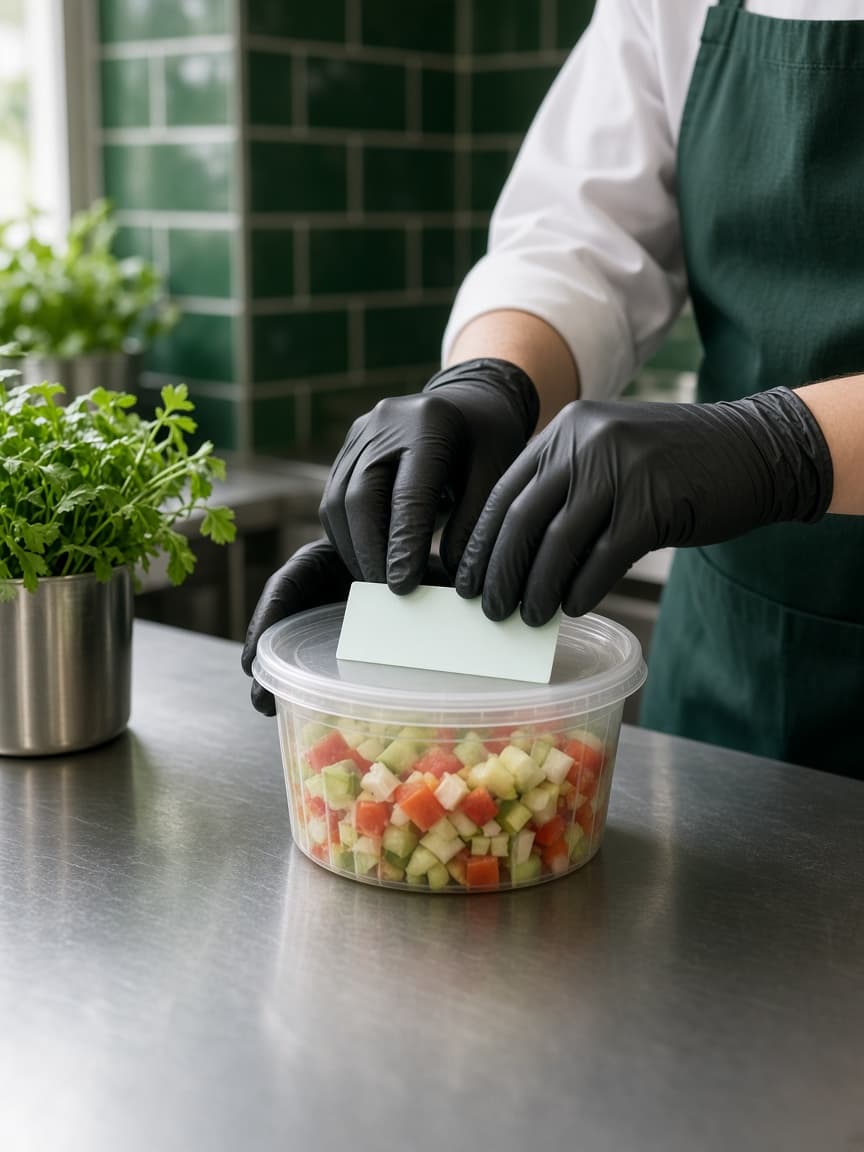
Suited to restaurant groups, hotels and central production kitchens in the UK that prepare food ahead and label it.
On the handset
- A handheld with a built-in label printer for 53 x 40 mm labels
- Prep labels and PPDS sale labels with ingredients and price
- Keeps working offline and syncs later
- PIN sign-in for saved staff profiles
In the back office
- Products, ingredients and supplier specifications
- Allergen declarations and shelf-life rules
- Multiple sites, with roles from kitchen staff to compliance managers
- Label history, expiry tracking and an audit trail

Already set up with Prepi?
Sign in to manage products, allergens and labels for your sites.
Want Prepi in your kitchen? Contact us
Pricing
One price for the kitchen.
£25per month
All inclusive of VAT
- Food labelling
- Expiry management
- Allergen information
- Free label starter pack
Ready to make food labelling easier?
Get in touch to hear more about Prepi and our introductory offer.